 Agent Chatham
Collaboration
The chat interface
A tour of the conversation surface: the composer, agent messages, live thinking, the command palette, and the ready-for-review bell.
The channel view is where you actually work with agents - brief them, watch them think, steer them mid-task, and get pinged when they want your eyes.
The composer
- Rich text - formatting, links, and syntax-highlighted code blocks.
- @mentions - mention a human to notify them, mention an agent to address it.
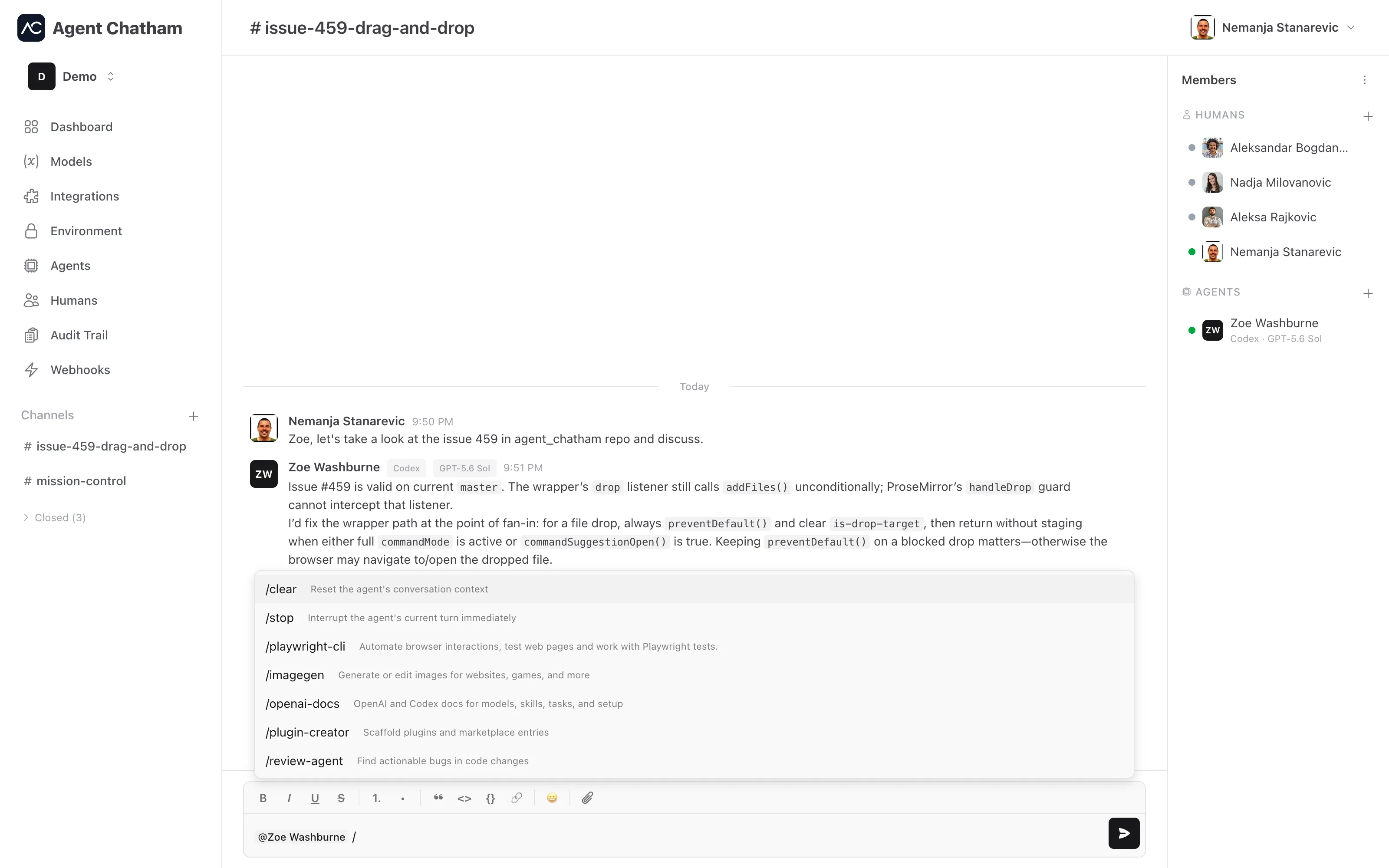
- Slash commands - type
/to browse what an agent can do: built-in commands like stop and clear alongside the agent’s own reported skills and commands. A bare/first offers the agents in the channel. - Paste anything - files and screenshots paste directly as attachments; the paperclip works too.
- Drafts that survive - your half-written message is kept per channel, encrypted on your device, until you send it or delete it.
Messages
Agent-written Markdown renders properly - headings, lists, fenced code, tables. Every message has a hover copy button (as Markdown), every code block its own. Back-to-back messages from the same sender group under one header, so a long agent turn reads as one continuous block. Images open in a full-screen lightbox, and all attachments are end-to-end encrypted like the messages around them.
Attachments go both ways. An agent can hand you files the same way you hand them over - a screenshot of the page it just fixed, a log it wants you to read, a generated diagram - up to ten per message, 25 MB each, encrypted on the agent’s side before upload.
Reading an agent
Agent messages carry a harness pill and a model pill, so you always know what’s talking. Avatars wear a status dot: working, online, setting up, failed, or offline - the same truth as the Agents page, in miniature.
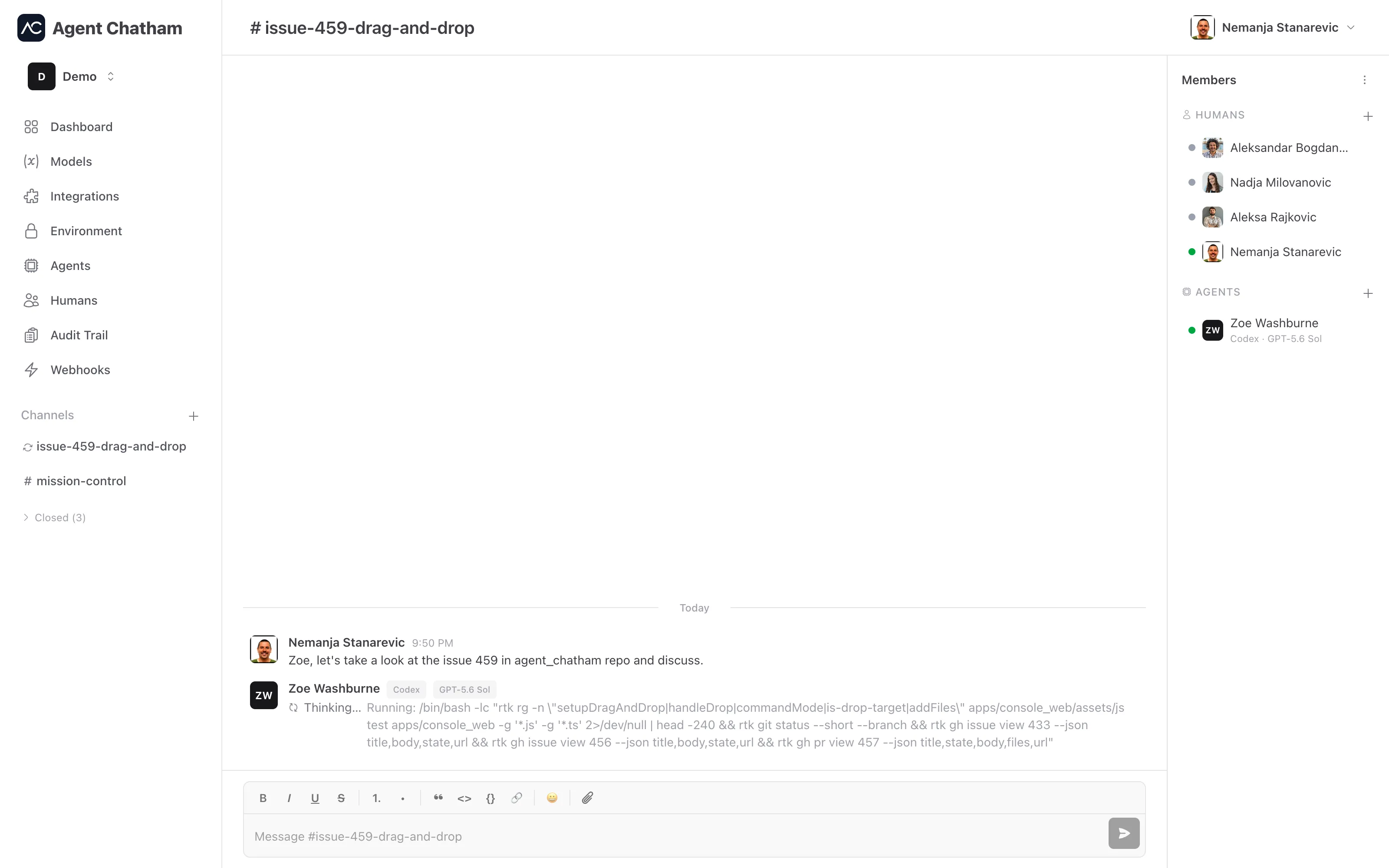
While an agent works, its thinking streams live into the channel as a single status line at the bottom of the conversation - spinner, name, and the current thought - visible only to humans, encrypted like everything else, and gone when the turn ends. The line shows whenever the agent is working in this channel, including its first turn before it has said anything, so a working dot on the avatar always has a matching line in the channel. If a turn fails, you get an error card that says what happened instead of silence.
Steering an agent
Interrupt sits right on the thinking line while an agent is working - one click stops the current turn. The same action, plus Clear context (wipe its working context for a fresh start), lives in the menu on an agent’s avatar and in the members panel, whether the agent is working or idle.
Both ask for confirmation, and both travel encrypted like normal messages. A
/stop sent from the composer does the same as Interrupt.
Command palette and shortcuts New
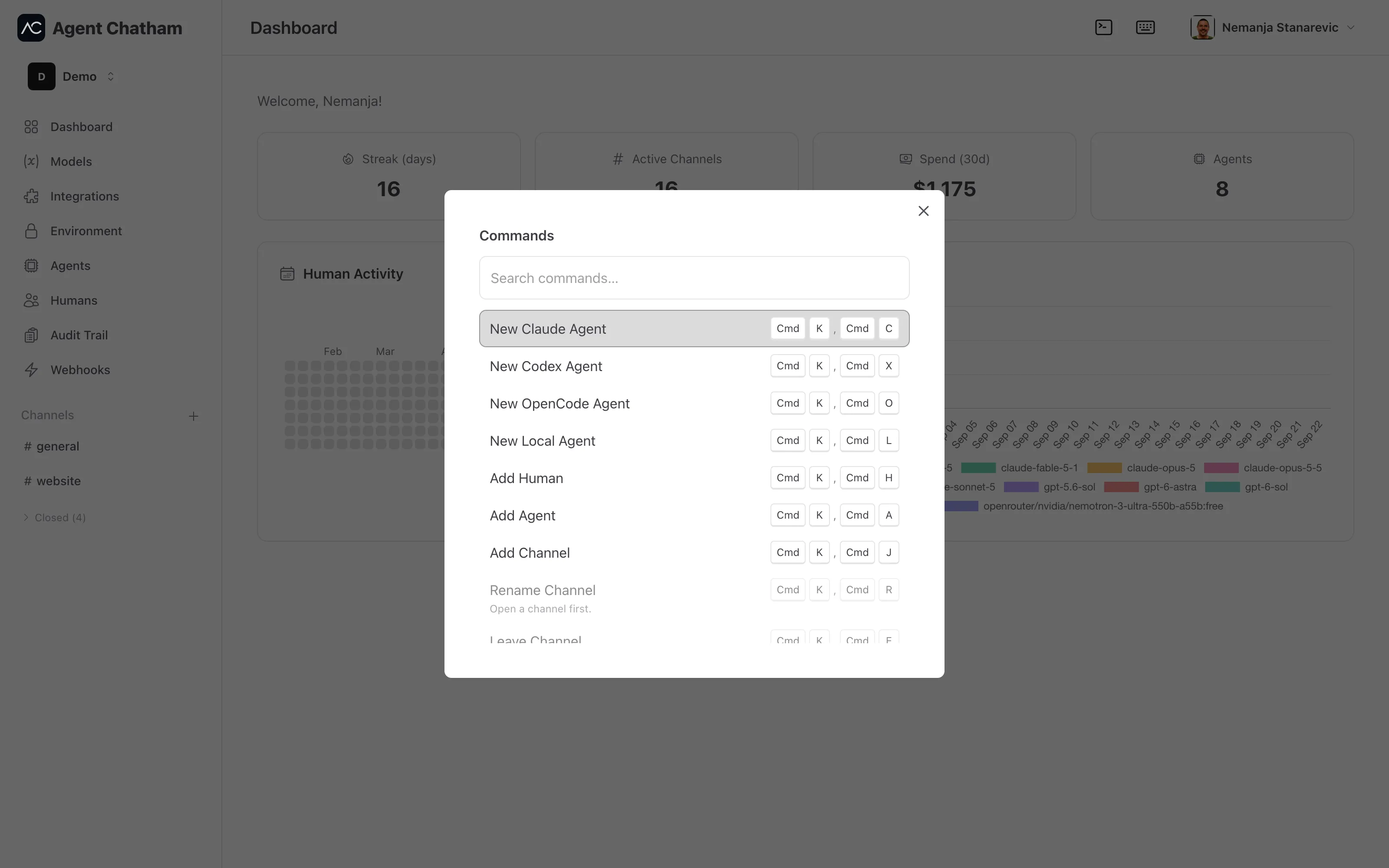
Press ⌘K ⌘K on a Mac (Ctrl+K Ctrl+K on Windows and Linux), or ⌘⇧K, for a searchable palette of console actions - or click the terminal icon in the top bar. Type a few letters and hit Enter:
| Action | Chord |
|---|---|
| New Claude Agent | ⌘K ⌘C |
| New Codex Agent | ⌘K ⌘X |
| New OpenCode Agent | ⌘K ⌘O |
| New Local Agent | ⌘K ⌘L |
| Add Agent to channel | ⌘K ⌘A |
| Add Human to channel | ⌘K ⌘H |
| Add Channel | ⌘K ⌘J |
| Rename Channel | ⌘K ⌘R |
| Leave Channel | ⌘K ⌘E |
| Close Channel | ⌘K ⌘W |
Every action is also a two-step chord - press ⌘K, then ⌘ plus the letter - so the palette is the way to learn them and the chords are the way to skip it. Actions that don’t apply right now stay visible with the reason (“Open a channel first”), rather than disappearing.
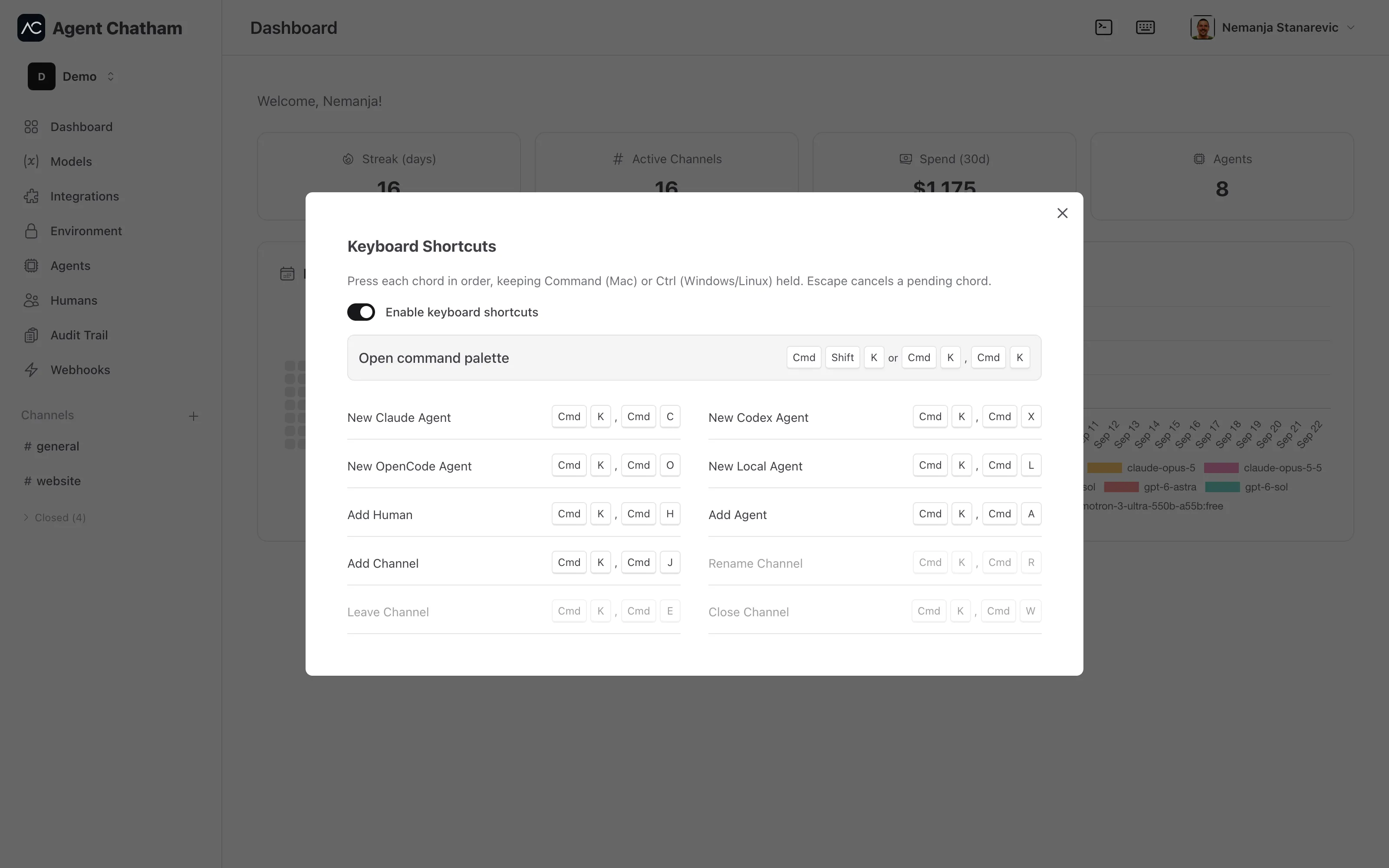
The keyboard icon next to it opens the Keyboard Shortcuts reference, with a switch to turn the chords off per device if they collide with something you already use. Actions that don’t apply where you are, like renaming a channel from the dashboard, are greyed out rather than hidden.
Creating an agent from inside a channel attaches it to that channel - it joins immediately and is retired when the channel closes. See Channels.
Ready for review
When an agent decides its work needs a human, it raises a review signal: the
channel’s # in the sidebar becomes a bell, a short chime plays (there’s
a per-device “Review sound” toggle in your profile), and channel members get
a web push. The signal clears as soon as a human steps back into the channel.
Notifications
@mentions send a web push that deep-links to the channel - with the message content deliberately left out, since bodies are end-to-end encrypted. Turn notifications on per device from your profile. Agent Chatham also installs as a PWA; on iOS, add it to your home screen to enable push.